
Depending on the year, market and trim, the BYD Atto 3 has a rotating 12.8- or 15.6-inch infotainment screen — the car’s most distinctive feature, until it freezes. If you’ve ever stared at a stuck map or a totally black display wondering what to do, you’re not alone: screen freezes were a recurring issue on the early Atto 3, and the manual actually documents a fix. Below are the seven questions owners actually ask, answered with what the manual says, what owners have reported, and where the two differ.
Q1: My screen froze. What’s the first thing to try?
Press and hold the scroll button on the center console’s infotainment control panel — the physical roller below the touchscreen, next to the gear selector. Don’t just tap it. BYD documents exactly one restart procedure: press and hold for over 3 seconds, and the infotainment system restarts. When the BYD logo reappears, the system is booting back up. The steering-wheel scroll wheel is a different control: it adjusts or mutes audio and navigates the instrument-cluster menu, but it does not restart the infotainment system. On this center-console button, a short press turns audio off and on, scrolling adjusts the volume, and only the long hold restarts the system. (Manual source: BYD owner’s manual, “Infotainment Control Panel Pad” section.)
Q2: The manual says 3 seconds, but owners say 15. Which is it?
Stick with the manual. BYD documents one restart procedure: press and hold the scroll button for over 3 seconds to restart the infotainment system. Some owners and reviewers report holding it longer — around 10 to 20 seconds — but BYD does not document a separate “deep-freeze” or Android force-reboot mode, or say that hold time depends on how badly the system is frozen. Treat the longer holds as owner reports, not as a guaranteed next step.
Q3: Can I do this while driving?
If the screen freezes while you are moving, keep your attention on the road and pull over somewhere safe. Restart the infotainment system only once the car is safely parked in P — reach for the center-console scroll button, not the steering wheel. BYD documents the scroll-button action as an infotainment restart, but its manual does not say that restarting while driving is safe, or guarantee that every other display or vehicle function is unaffected. During the reboot, navigation, audio and touchscreen controls may be unavailable — including the reversing camera view.
Q4: My screen keeps freezing every few days. Is my car a lemon?
Probably not — but check your software version. Freezes and black screens were a recurring complaint on 2022 and 2023 cars; some owners report freezes while running apps such as Spotify and Google Maps together. One long-term Australian review observed that over-the-air updates from late 2024 significantly cut the freezing and black-screen complaints — note that’s the review’s observation, not a confirmed BYD statement. So check for pending updates: Settings → System → Version → Version update (the manual asks you to keep the car in P during OTA updates). If the car is fully updated and the screen still freezes constantly, book the dealer — symptoms alone can’t tell you whether it’s software, an app, or hardware.
Q5: I tried the reboot and the screen stays black. Now what?
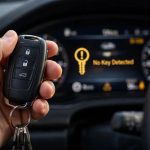
First, make sure it’s the screen and not the whole car. If nothing responds to the key, a weak 12V auxiliary battery is one possible cause — but key or other electrical faults can prevent unlocking too, so don’t jump to conclusions; BYD’s own service guidance suggests trying the key near the driver’s door first. Our Atto 3 12V battery guide walks through the full check. Second, if the car powers on normally and only the display stays black after several restarts, there’s nothing left to try on your own — contact a BYD authorised dealer for diagnosis. One note for later: if the screen does come back but problems keep recurring, the manual offers a factory reset under Settings → System → Version. It takes 2–5 minutes, and the manual warns not to touch any infotainment button or cut power while it runs; it resets the infotainment system to factory settings, so be ready to set everything up again. Treat it as the nuclear option.
Q6: My widgets keep resetting to default and apps misbehave. Same bug?
Related, but different — and less certain. Owners in the BYD community report widgets occasionally resetting to defaults (one owner’s Waze widget kept reverting to radio), but that’s an owner-forum report, not a BYD-confirmed defect, and there is no official fix. Separately, the manual warns that formatting or rooting the device may cause infotainment or vehicle malfunction — so keep the software stock and install the OTA updates rather than tinkering with the system.
Q7: Wireless CarPlay / Android Auto keeps disconnecting. Is the screen dying?
No — that’s a separate, well-documented weakness of the early cars. Random wireless CarPlay and Android Auto disconnections were common on 2022–2023 Atto 3s; a long-term review observed the late-2024 OTA updates helped but didn’t fully cure them. A scroll-button restart clears it temporarily. If it keeps happening, make sure both your phone OS and the car’s software are current before blaming the hardware.
The one line to remember: when the screen freezes, first try BYD’s documented three-second scroll-button restart once the car is safely parked. If the problem recurs or the display stays black, check for software updates and contact a BYD dealer for diagnosis.
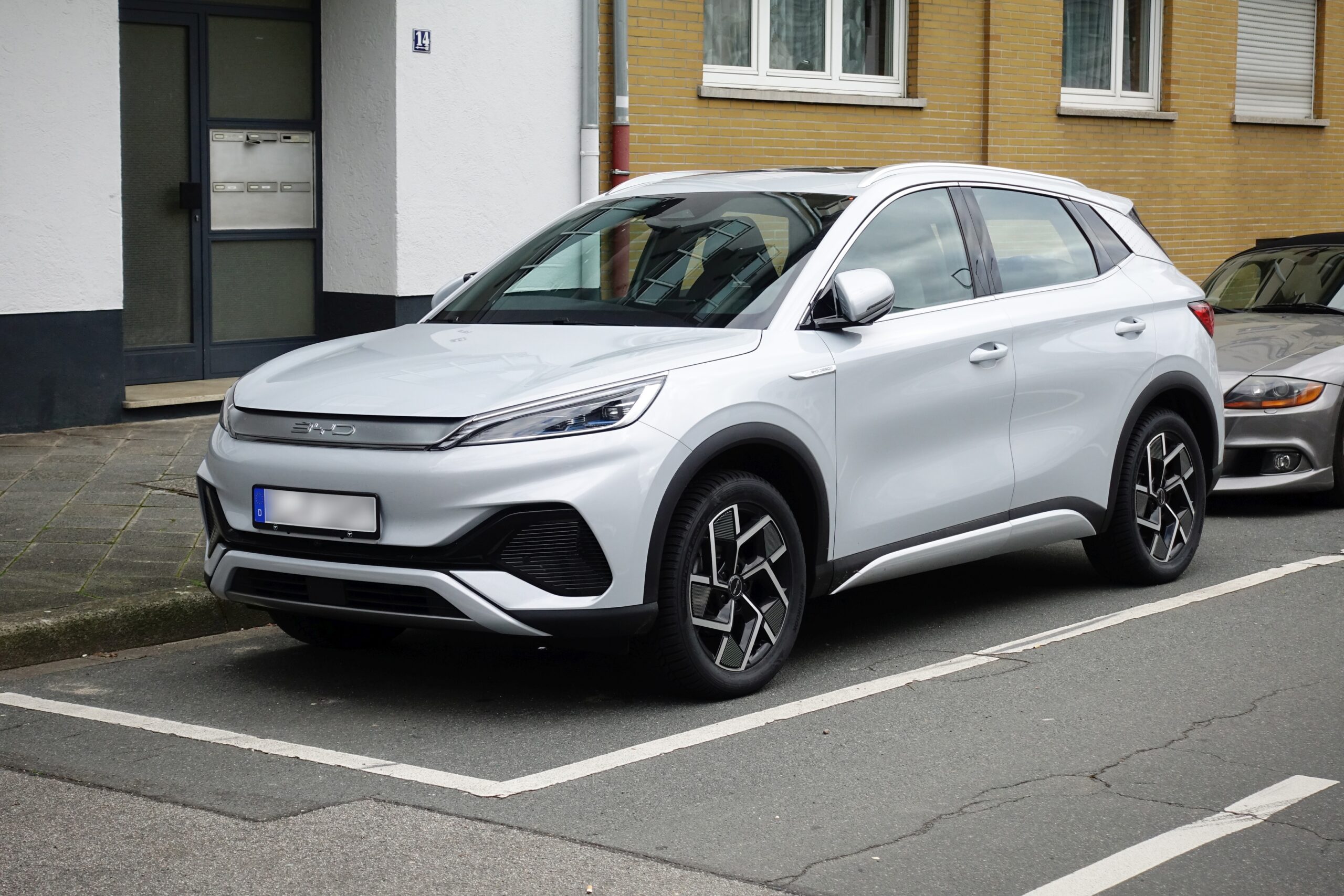
Cover photo: © Hubert Berberich (HubiB) / Wikimedia Commons / CC BY 4.0